

Pet Art Creator
Create Desktop Pet From Your Own Pet
A desktop pet keeps you company on screen—try free companions on your desktop, or turn your pet's photos into a custom desktop cat or dog.
Features
What you can do with a desktop pet on DeskPet.ai
Try a ready-made companion, create one from your photos, and enjoy the same desktop pet in your browser or desktop app.
Choose a companion
🐈
🐕
🦮
🐈⬛
🐕🦺
+
Pet Library & Make Your Own
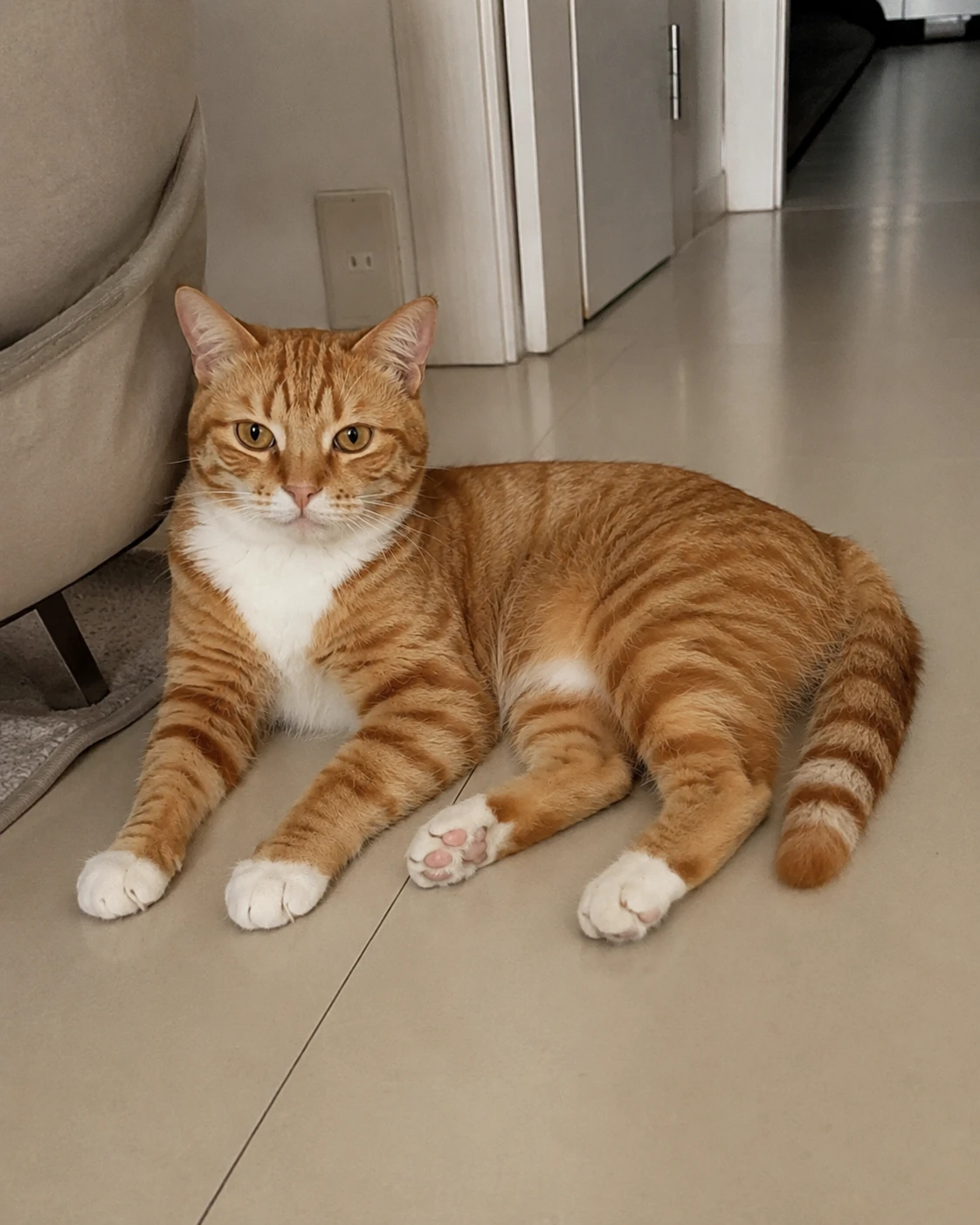
Play with a published cat or dog, or upload clear photos in the DeskPet Maker to create a companion based on your own pet.
Let's play!
🐈
➤
Lifelike Interactions
Trigger short, readable actions such as sitting, licking, scratching, playing, sleeping, and waking without covering your work.
Playground
🐕
Desktop app
🐈
Browser or Desktop
Try it instantly in the browser, then use the macOS or Windows app when you want an always-on companion.
Behaviors
What your pet can do in DeskPet.ai
Short, expressive actions keep your desktop pet lively without getting in the way.
Basic
- Sit
- Lick paw
- Scratch
- Tease
Affection
- Ear twitch
- Look around
- Happy squint
- Tongue boop
Playful
- Stretch
- Big yawn
- Roll over
- Head shake
Cozy
- Lie down
- Sleep
- Wake up
- Tail wag
More actions are coming soon.
Make Your Own
How to create your own desktop pet
Create a custom desktop pet from your photos in four simple steps.
- Step 1
Upload clear photos
Add one to three clear front or side photos in the DeskPet Maker. Natural light and an uncluttered background produce the clearest result.
- Step 2
Confirm species and breed
Review the suggested species and breed, then correct either detail if needed. Check your photos if you are unsure which option fits best.
- Step 3
Add a name and gender
Give your pet a name and select its gender to finish the profile. You can change these details before moving to the final step.
- Step 4
Create your desktop pet
Review the details, check each choice one last time, then create your pet and bring it to life.
Questions