
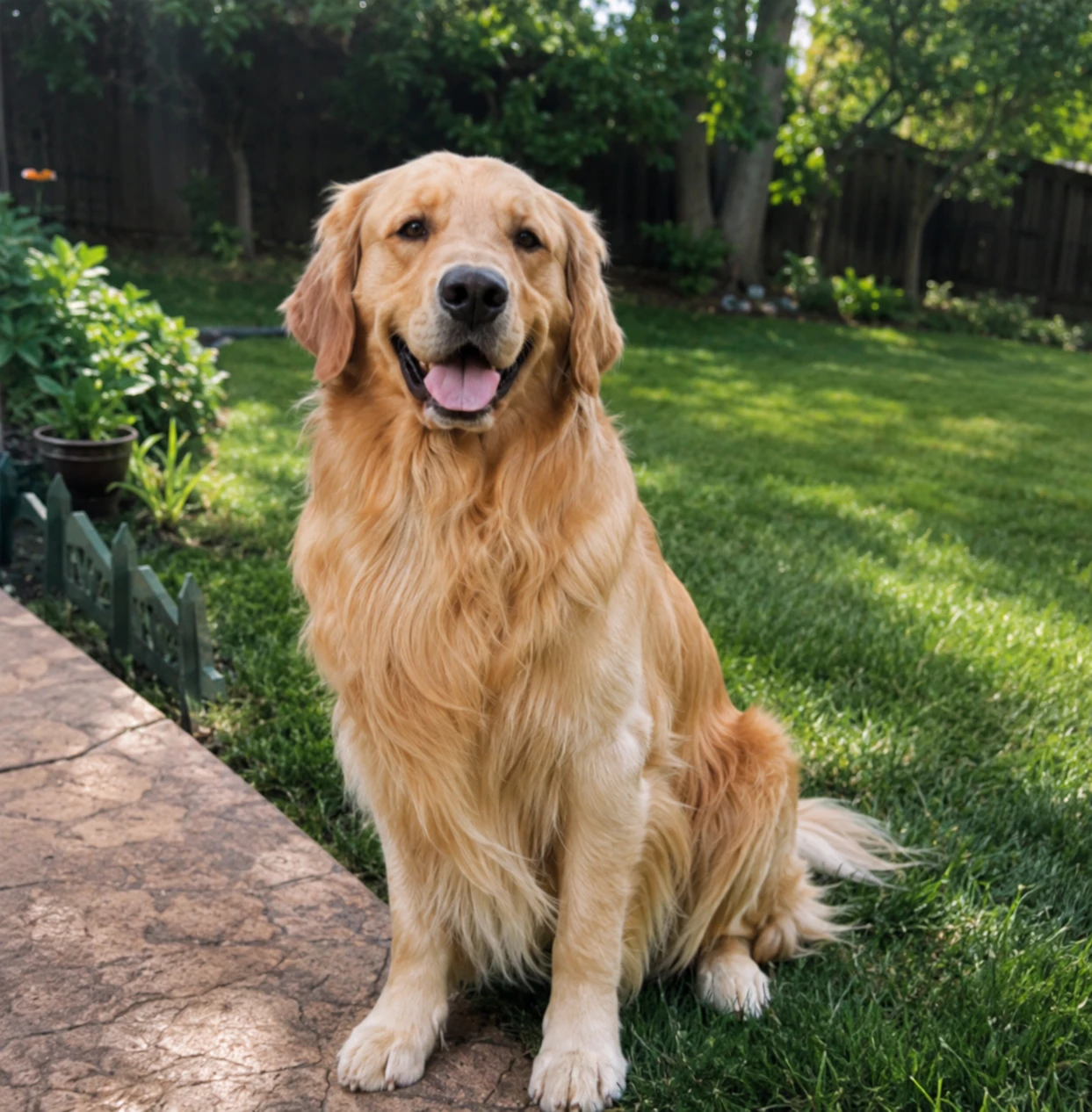
AI pet creator
Desktop Pet Maker
Upload photos of your cat or dog, then create your custom desktop pet.
Drop your pet photos here
Best with 1 ~ 3 clear front and side pet photos
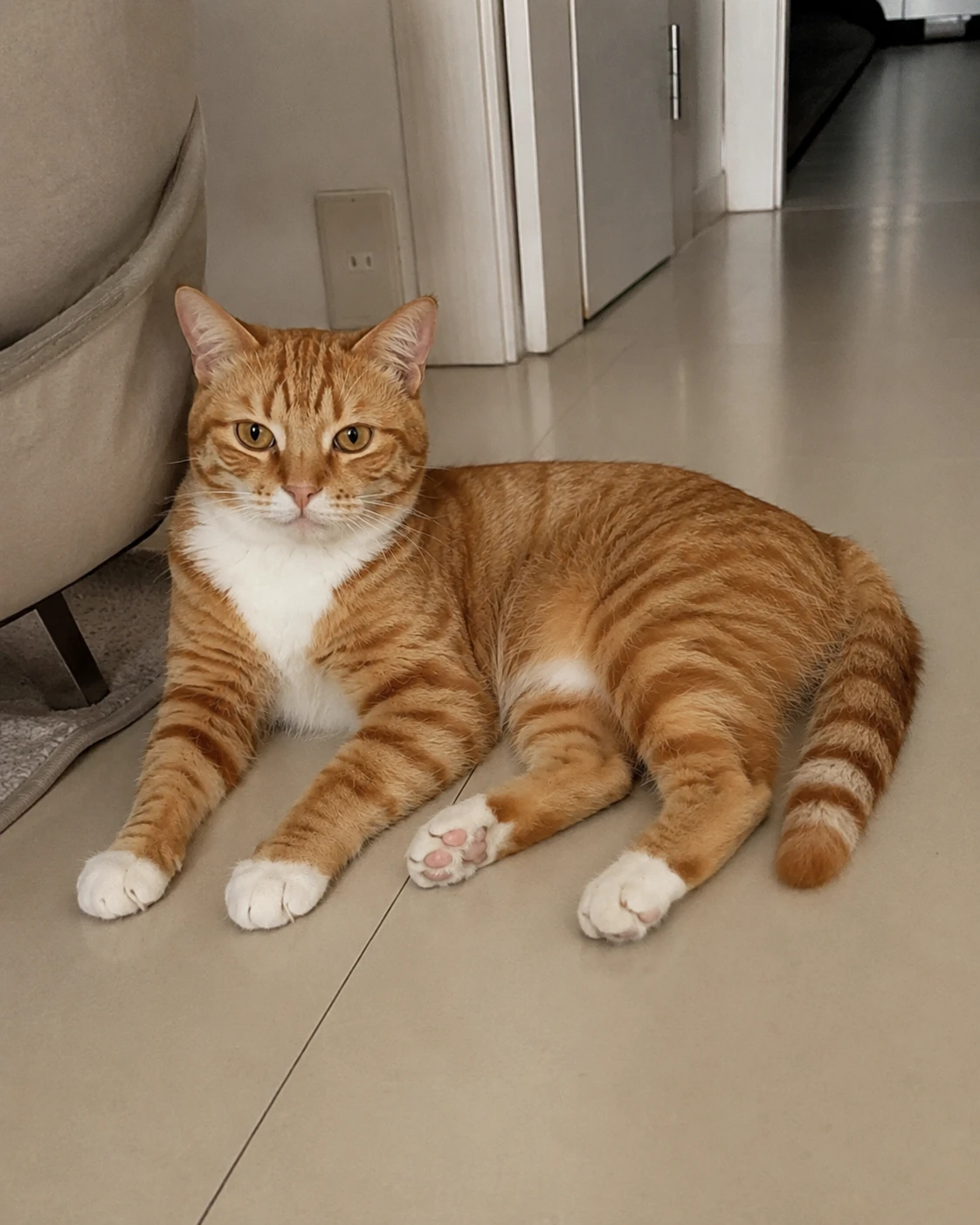
Real examples
How it works
- Step 1
Upload pet photos
Start with clear front and side shots so the AI pet creator can read shape, markings, and expression. Soft light and a simple background usually work better than busy rooms or heavy filters. A handful of strong images is enough to begin.
- Step 2
Review species and breed
Check the recognized details, adjust the dropdowns if needed, and confirm species and breed before you generate your companion.
- Step 3
Confirm basics
Choose an avatar crop, add a name, and select sex before you review species and breed. These details stay with the companion after creation and help later care tools stay attached to the right profile.
- Step 4
Create your pet
Tap create to start generation: DeskPet builds pose strips first, then assembles actions so your companion can idle, walk, and react on the desktop.
After you create
Finishing the flow does more than save a profile. You leave with a desktop companion you can play, refine, and care for—without bouncing between disconnected tools. Think of creation as the start of a longer relationship with the same pet record, not a one-off export.
A saved pet profile
Name, avatar, species, breed, and sex stay attached to the companion so later care notes, gallery items, and actions remain organized in one place. When you come back tomorrow, you are still working with the same custom desktop pet instead of starting over.
Custom actions and poses
Generate looping motions from your photos, preview clips, and unlock premium actions when you are ready. The AI pet creator is built for short, repeatable clips that feel good on a desktop—walk cycles, idle moments, and playful reactions you can replay without heavy files.
Browser and desktop play
Use the companion in the online playground or download DeskPet for macOS and Windows. A custom desktop pet can follow you from a quick browser session into everyday computer use, sitting beside docs and chats without forcing a separate game mode.
Care, gallery, and expenses
Keep health notes, reminders, media, and spending next to the same companion. Play stays fun while the practical pieces stay easy to find—vet visits, snacks, milestones, and photos living beside the desktop companion you actually open each day.
Is this for you?
The flow fits people who want a personal desktop companion without learning animation tools. If any of these sound familiar, you are in the right place—and you can still try presets before committing to uploads.
Pet owners who want something personal
Turn clear photos into a pet from photos that feels closer to home than a generic mascot—then keep care notes beside the same profile. It is a simple way to bring a familiar face onto the screen without hiring an illustrator or learning sprite pipelines.
People exploring desktop companions
Try presets first, then use the desktop pet maker when you are ready for a custom build. You can learn the product without starting from a blank canvas, and you can switch from free companions to a personal one when the timing feels right.
Anyone who wants actions, not files
Skip spritesheet busywork. Upload, confirm details, generate motion, and move on. The AI pet creator handles the heavy lifting so you can focus on the result—poses, loops, and a companion you can open in the browser or install on your computer.
Questions
- What does the desktop pet maker do?
- It turns clear photos of your cat or dog into a custom desktop pet profile with an avatar, details, and a path into poses and looping actions. You can play the result online or on your computer after creation, then keep refining actions and care tools from the same saved companion.
- What photos work best?
- Use sharp JPEG, PNG, or WebP shots with soft light and a simple background. Front and side angles help the most. Avoid heavy filters, extreme crops, or blurry images so the AI pet creator can read markings and shape cleanly. A few good frames beat a large folder of noisy ones.
- Can I try preset pets before creating?
- Yes. Explore ready-made companions on this page or in the pet library, play in the browser, or download DeskPet. When you want something based on your own photos, return to the desktop pet maker and start uploading. Presets are there to help you learn the feel of a desktop companion first.
- What happens after my pet is created?
- Your companion is saved with its profile details. From there you can unlock actions, manage care tools, and keep playing in the browser playground or the desktop app—without rebuilding the pet from scratch. The profile becomes the home base for everything that comes next.
- Does it work in the browser and the desktop app?
- Yes. Create and preview online, then continue with the same desktop companion in DeskPet for macOS or Windows when you want it on your real computer. You do not need two different pets for web and desktop play.
- Can I edit details before creating?
- Yes. After photos upload, you can choose the avatar crop, set the name and sex, and adjust species or breed before you save. That review step keeps the final custom desktop pet accurate and avoids locking in a wrong label you would have to fix later.